CasriHub Media Suite
Analyze media links, inspect available formats, and send approved items into a controlled desktop queue from one Windows workspace.
Choose quality and audio tracks, review channels and playlists, then manage updates and license activation without leaving the desktop workflow.
Desktop workflows built for control
CasriHub Media Suite is built around practical desktop tasks: analyze links, manage queued downloads, review channel content, and keep updates and activation under control.
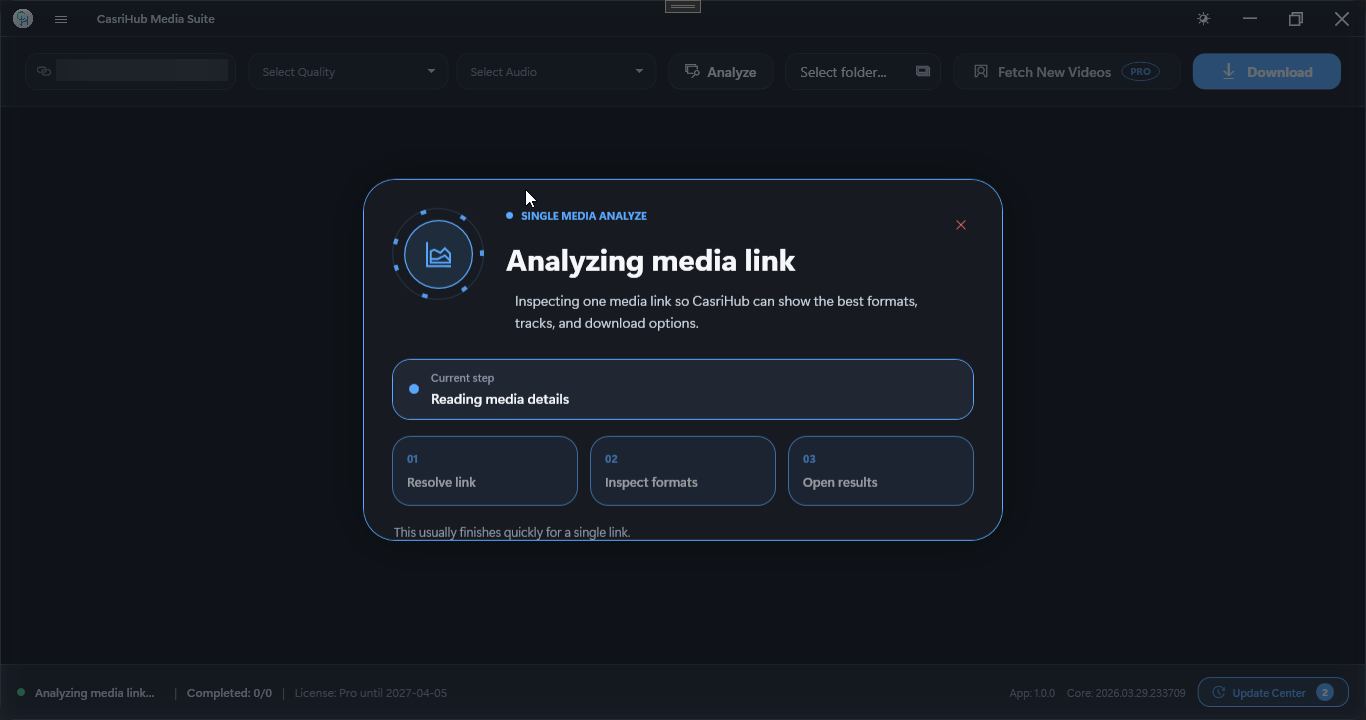
Fast media analysis
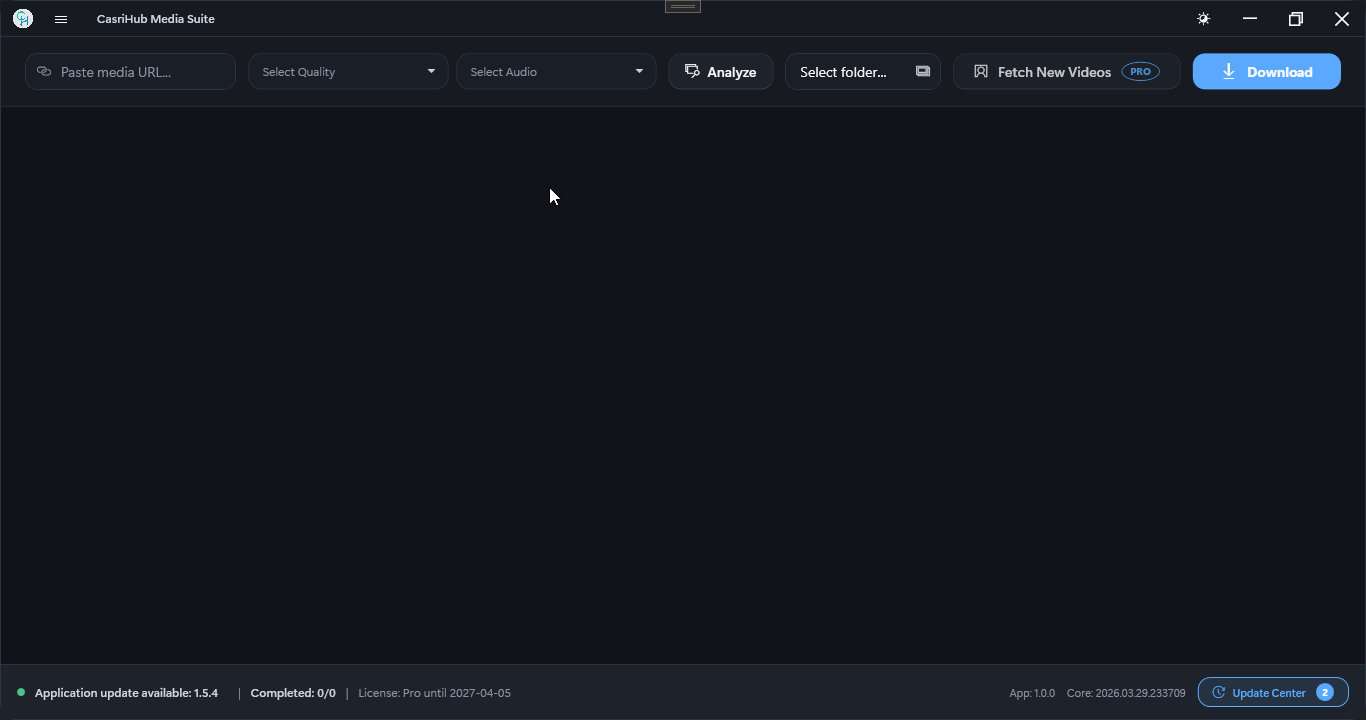
Paste a link and inspect formats, resolutions, and audio tracks before downloading.
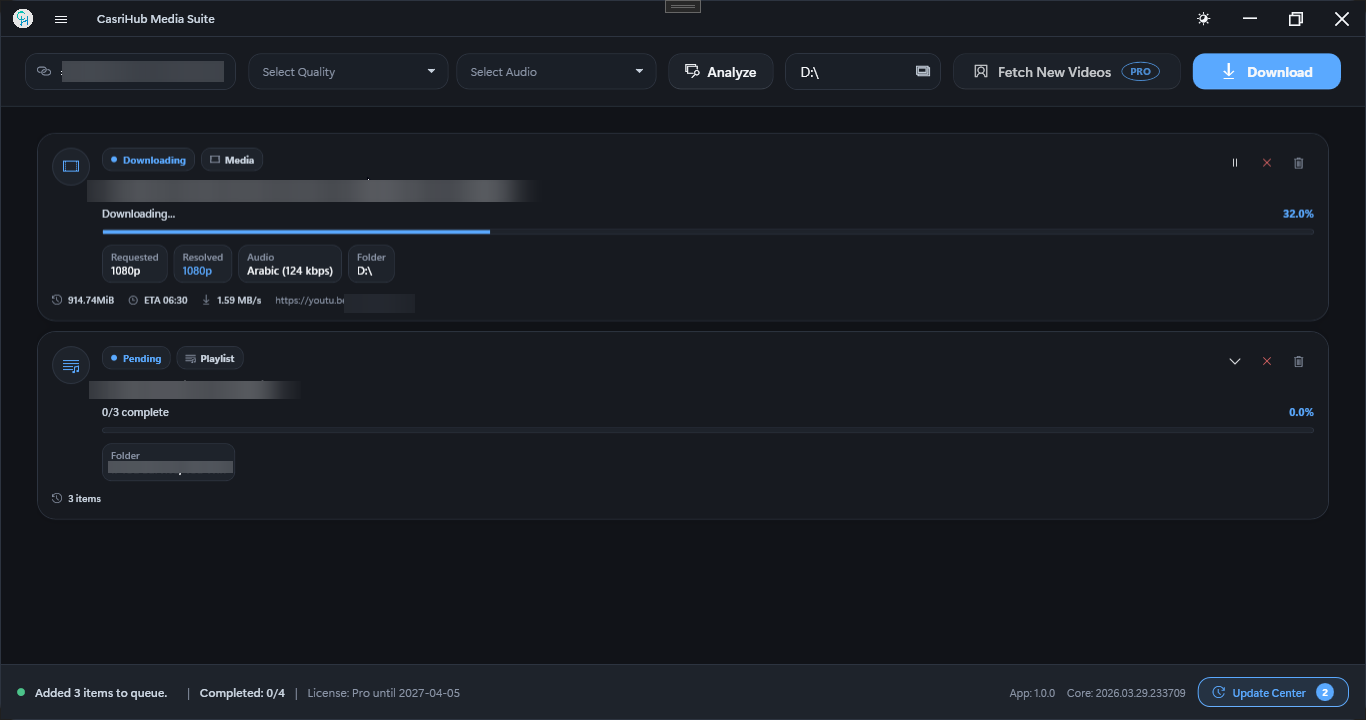
Queue-based downloading
Run multiple downloads through one queue with visible progress, status, and control.
Smart download workflows
Choose quality, audio, and destination settings for each item instead of using one generic action.
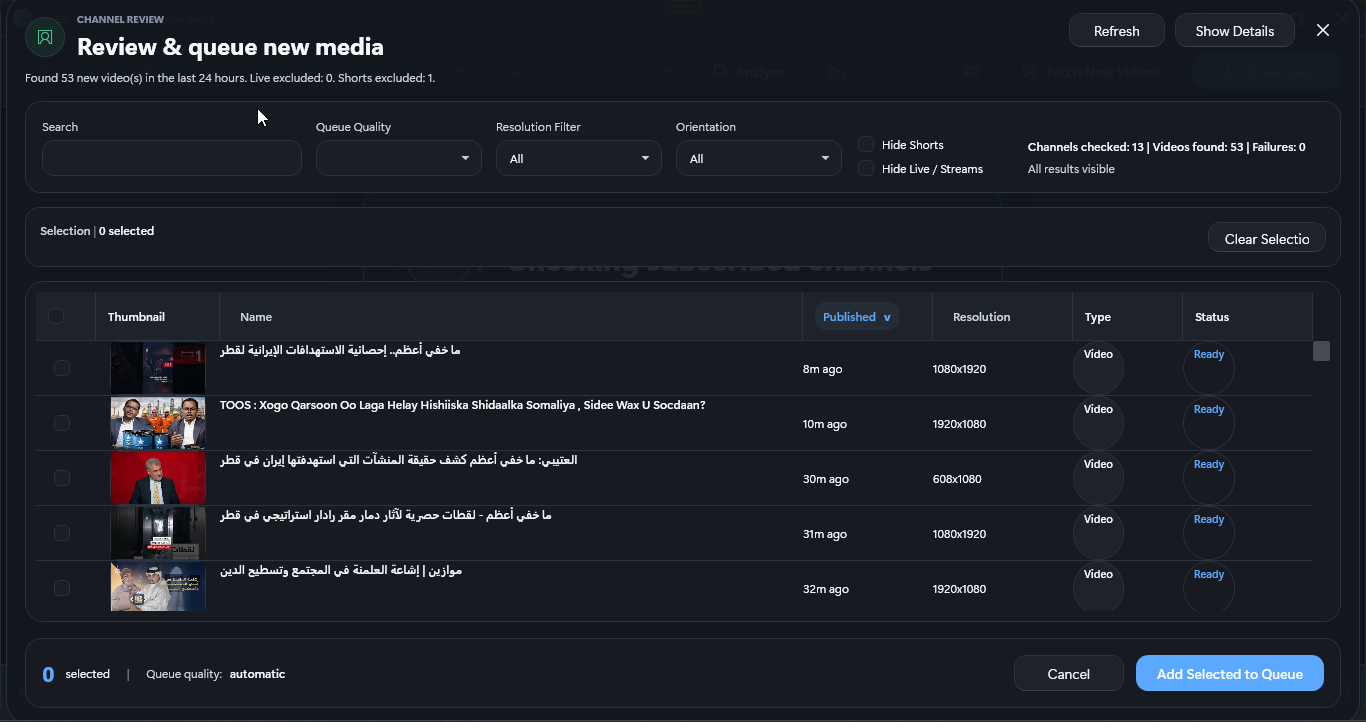
Subscribed channel review
Review newly found media from subscribed channels and send only selected items into the queue.
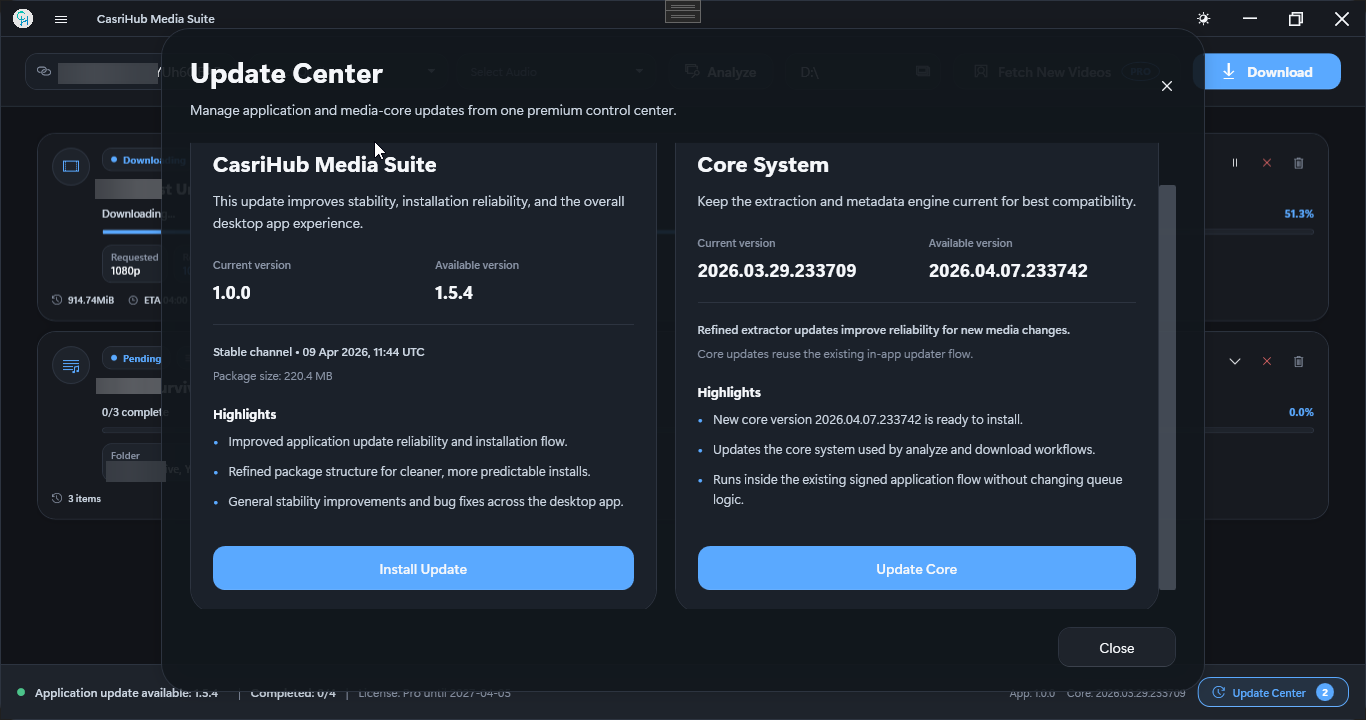
Update Center
Install application and core updates from one in-app update center with clear status.
License and activation flow
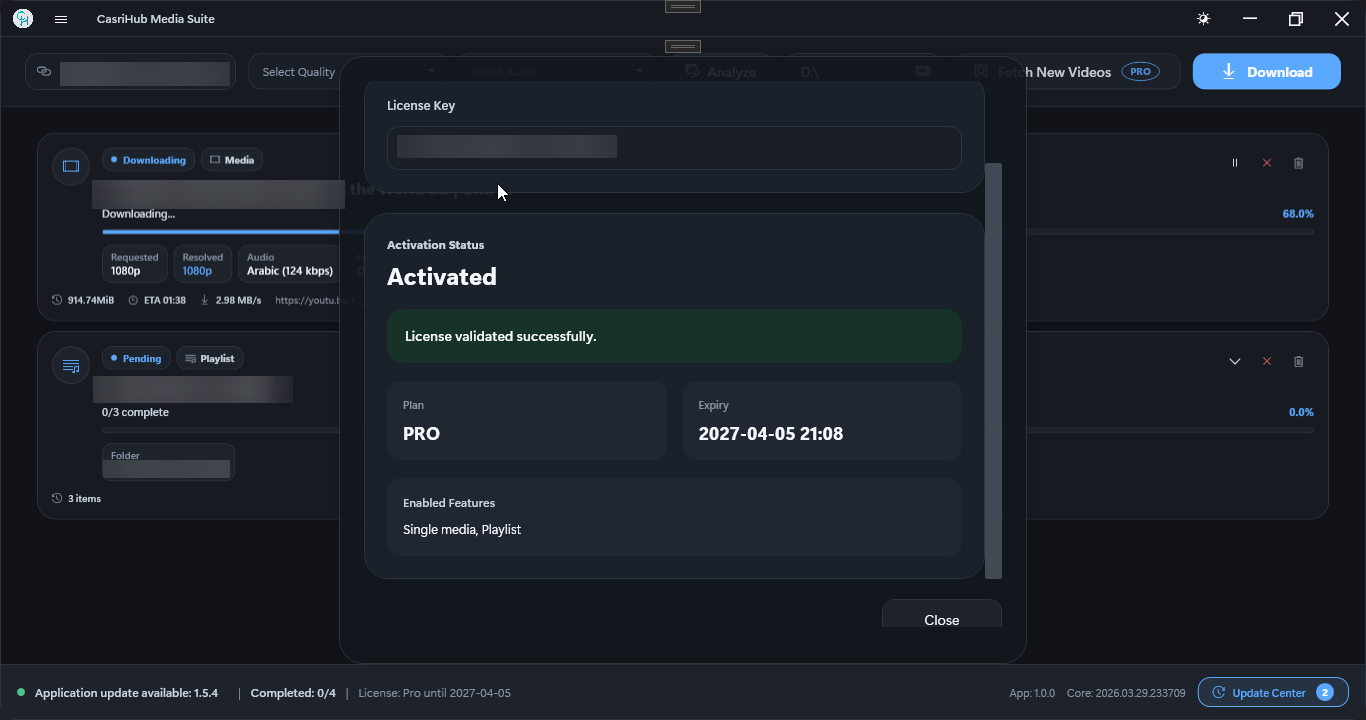
Activate the desktop app, validate access, and follow reset paths without confusion.
Premium Windows UX
Work inside a polished Windows interface built around daily download and review tasks.
Playlist and folder organization
Keep playlists, folders, and review steps organized as media moves into the queue.
See the desktop workflow in action
Follow the product flow from media review to queued downloads, then through updates, activation, and support recovery when needed.
Review media before downloading
Inspect the main workspace, analyze results, and queue state before committing to a download.
Keep updates and activation visible
Application updates, core updates, and license activation are handled through clear desktop flows.
Keep support actions easy to reach
Ordering, documentation, reset actions, and direct support stay easy to find when access needs attention.
Real desktop previews
Order once. Activate on desktop. Keep access clear.
Licensing in CasriHub Media Suite follows practical steps: order a key, activate inside the app, manage updates, and recover access if a reset becomes necessary.
What this workflow covers
- A dedicated order page for purchasing the desktop application license.
- An activation flow inside the application that reflects the real product experience.
- A clear support path for documentation, contact, and product-key reset actions.
- Application and core system update paths surfaced inside the desktop app.
Choose the path you need
Choose whether you need a new license, a product-key reset, documentation, or direct support.
The licensing flow stays focused on practical actions instead of artificial urgency or exaggerated offers.
License and activation confidence